
StarkBet Mobile App in India: Android, iPhone and Desktop Access
 Download APP
Android, iPhone and desktop all reach the same StarkBet platform. They do not all get there the same way.
Android uses an APK route. iPhone access is listed through the App Store. Windows and macOS stay in the browser. Pick the wrong door and you chase a file for the wrong device — or you skip the install your phone actually needs.
If you are in India on a phone or a computer, this is the page for getting into StarkBet: which route fits which device, how sports and casino look in a mobile session, what stays with the same account when you switch screens, and what to check before you install or sign in. It is not a sportsbook guide and not a host for an APK.
How StarkBet Mobile Access Is Set Up
Three labelled platforms. Three different doors.
Android, iOS, Windows and macOS are the available platforms in the current picture. That list is not four native apps sitting in a row. Android is an installable app route. iOS is listed as an App Store route. Windows and macOS are browser-based desktop access. The app type split is simple: mobile app on the phone side, desktop through the browser.
APK or App Store — what’s the difference here?
On Android you install a package, then open StarkBet from the phone. On iPhone you follow the store route that is listed for iOS. On a computer you open a browser and go in. None of those steps create a second login. They are methods of reaching the same platform.
The application itself is described as free to download and use. That is not the same as betting for free. A stake in ₹ is still a stake.
Account notifications and promotional alerts are mentioned in the platform overview. This page does not map push settings. An alert is just a message. It is not a reason to bet more.
The package is described as light, though the actual size can still change by platform and update. No megabyte figure belongs here. If you need the current size, it sits with the current download or store screen — not in an article.
| Platform | Access Route | What to Check |
|---|---|---|
| Android | APK | Current StarkBet download route and current version |
| iPhone / iOS | App Store route | Current availability and version |
| Windows | Desktop browser | Current supported browser access |
| macOS | Desktop browser | Current supported browser access |
Installing StarkBet on Android Through the APK Route
 Download APK
Android is different.
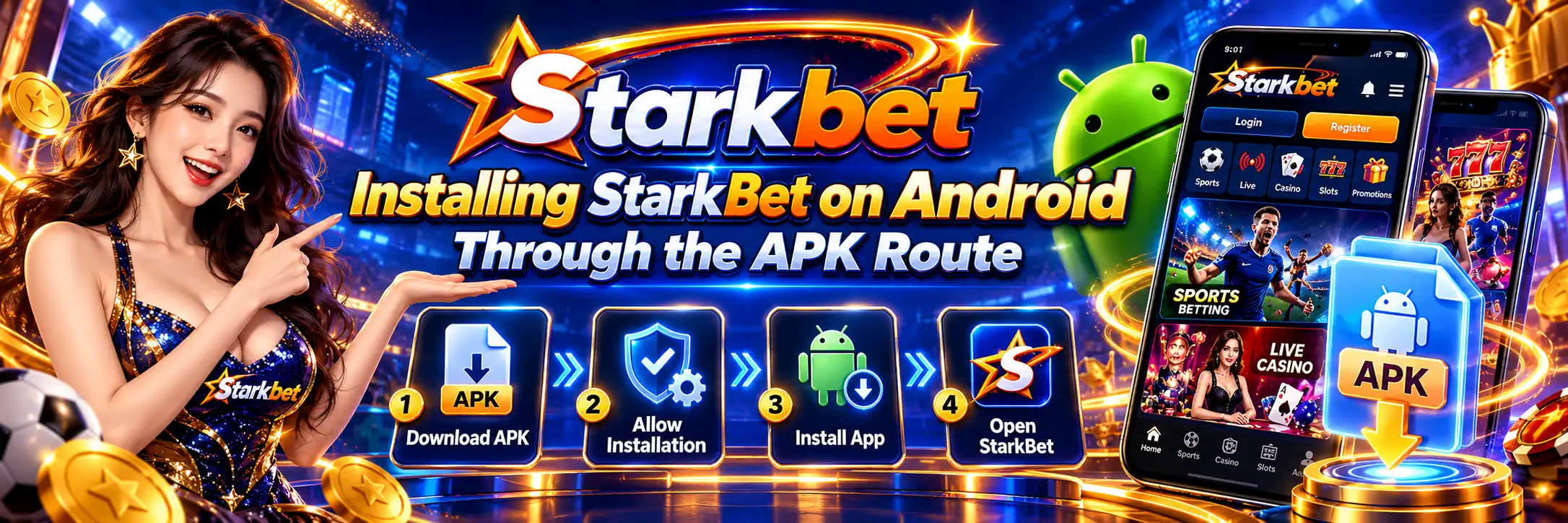
Opening a website in Chrome is not the same job as installing an APK. The APK route means you pick up a package through the current StarkBet access path, then the phone’s own installer takes over. Button labels on the screen can differ. This article does not freeze them.
The useful sequence is short. Use the current StarkBet access route. Follow the Android download option when it is shown. Download the current APK where the flow provides it. Work through the device’s normal installation prompts. Open StarkBet. Sign in with the account you already have, or create one if you still need to.
Android may show a system prompt depending on the phone and on how installs are set. That prompt is the phone talking, not a hidden StarkBet setting. This page will not tell you to switch off security tools or to walk around those prompts. If the install does not look like the route you opened, stop.
Random APK mirrors are not the current route. A file forwarded in a group, a “latest apk” page with a similar name, a copy sitting in Downloads from last season — those are other people’s files. Check that the download came from the intended StarkBet path before you install it. Filename, version and size are not published here. They change.
After install, the interesting question is what you open: a sports market, a casino title, or the same account you already use on a laptop. The APK does not rewrite those products.
Using StarkBet on an iPhone
 Download APP
iPhone access is not an Android leftover.
iOS is listed. The installation method for that side is listed as the App Store. That is a different door from the APK. Do not try to drop an Android package onto an iPhone and hope the phone translates it. It will not.
What you do instead is open the current StarkBet access path and follow the iOS option that is actually shown. Store listing IDs, direct App Store URLs, minimum iOS versions, file sizes and region locks are not frozen here. If those details matter, they belong on the current iPhone route in front of you.
Once you are in, you are still in StarkBet. Sports still sit in the sportsbook. Casino still sits in the casino. Login is still login. The phone is smaller. Thumb reach is shorter. A live price can still move while you are pinching the screen. None of that is unique to iOS. It is just easier to notice on a small display.
If the current iOS route is not available for the device in your hand, skip homemade files. Wait for the listed route, or use browser access if that is what the platform presents for that moment.
Desktop StarkBet Uses the Browser Rather Than a Mobile App
Does Windows support a native StarkBet app? The current picture describes browser access instead.
Windows and macOS sit in the available-platforms list. People read that as “there must be an installer.” There isn’t one described. Desktop access is browser-based. No .exe. No .dmg. No Microsoft Store package. And no Mac App Store listing. If some other page offers a Windows client that is not the StarkBet path you opened here, leave it.
The computer is useful when you want a larger layout: more markets on screen, a longer look at an account screen. That is a screen-size choice. It is not a second sportsbook and not a second balance.
You can also open a browser on the phone. App access and browser access are different ways of reaching the platform. The buttons can sit in different places. You are still in the same account. Only the way you got there — and how the screens look — can change.
The Android app on the phone does not mean you also need software for the computer. Open a browser. Sign in. That is the desktop route as described.
| Task | On a phone | On a computer |
|---|---|---|
| Checking sports markets | Smaller list, more scrolling, easier to miss a column | Wider layout, more of the board visible at once |
| Live betting | Prices can move while you are still reading a short screen | Same live markets, more room to review before you confirm |
| Casino browsing | Tighter grid. Taps have to land. | Easier to scan the lobby. Same games behind the tiles. |
| Account access | Same login. On a borrowed phone, sign out. | Same login. On a shared computer, sign out. |
| Longer browsing session | Fine if you planned it; the phone makes short repeats easy | A larger screen does not excuse a bigger stake |
Sports and Live Betting on a Smaller Screen
 Bet Now
Sports on the phone is still the same sportsbook. Just a smaller screen.
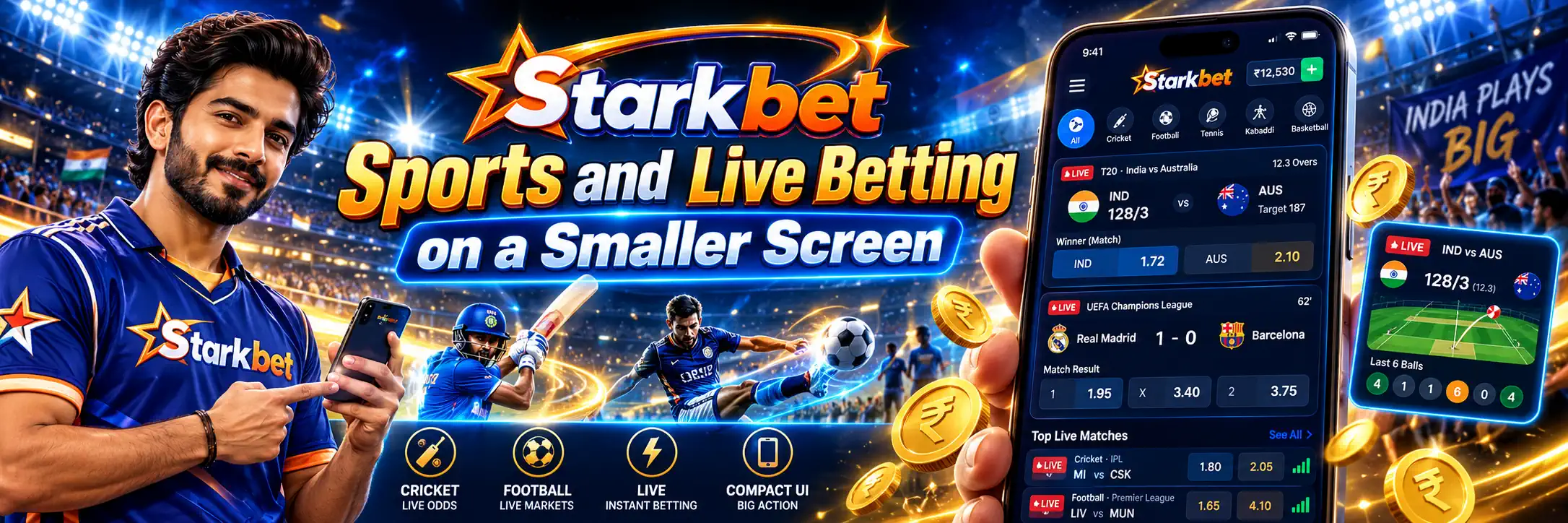
You can open matches, look at markets, check a pick and bet live from a phone. Cricket sits at the centre. A market that is on at a desk is not a special mobile price. A pause is still a pause. The phone does not get a different board.
Live betting is where the screen size shows. A wicket, a goal, a time-out — the market can pause or move while you are still trying to hit it. You need the connection to hold because the board is moving, not sitting still. This page does not promise zero delay, an unbroken signal, or a catch-up if the tap went out during a drop. If a selection did not confirm, that is sportsbook territory. The installer you used does not settle the ticket.
How the sportsbook is laid out, and what a void actually means, is on other pages. Sports betting at StarkBet covers the map. Cricket betting at StarkBet covers the match. StarkBet betting rules cover confirmation, a pause, and settlement. On a small screen, read the pick twice before you send it.
A laptop does not make a pick more likely to land. A faster phone does not either. If you were not going to open that market at a desk, do not open it in a lift because the app was already there.
Using the StarkBet Casino on Mobile
Casino on a phone is still casino. The screen is just smaller.
Slots, live tables and faster digital rounds can all sit in the mobile casino picture. They do not ask the same thing of your hands. A reel game wants a spin control you can actually hit. A live table wants you to read the felt and the timing. A short digital round can finish before you have rotated the phone. None of that is a performance promise. It is why “casino on mobile” is not one habit.
If a game feels cramped, pick another format or wait until you have a larger screen. Switching titles to “make mobile work” is how a short session becomes a longer one. Current requirements, if they exist for a title, sit with that title.
The lobby map is on the StarkBet Casino page. How a spin is built sits on StarkBet slot games. Mobile access does not rewrite paytables, dealer rules or round length. It only changes the glass you are looking through.
Live tables on a small screen can hide a limit or a rules line at the edge. If you cannot read it, do not sit down yet.
One StarkBet Account Across Mobile and Desktop
 Join Now
Do you need another account on your phone? No.
Sign in. Do not open a second StarkBet login just because the device changed. Mobile and desktop are routes into the same account environment. Bets, balance and history belong to that account, not to the handset in your bag or the laptop on the table.
Account information should remain associated with the same account when you move between supported access methods. That is the conservative version. This page does not promise instant sync, zero delay, or a refresh on every flaky connection. If a phone and a laptop disagree, trust the login you are in now, not a screenshot from yesterday.
Creating the login itself, and coming back to it, sits with StarkBet login and registration. Biometrics, Face ID, a fingerprint prompt, a PIN lock, OTP on every visit, “remember me,” session length — none of those are described here. If the current flow asks for something extra, that screen is the document.
One account per user is the working rule in the current picture. A second registration “for the app” is how people split a history they later cannot read. Keep the same login. Change the device.
App Versions, Updates and Old Installation Files
Versions move. Old files do not always get the message.
App versions are described as regularly updated. They may vary depending on the device and the operating system. So an old number you remember is not something to rely on. Build numbers, release dates and update schedules belong on the current install screen, if they show up at all.
An APK from another phone, a drive, or a chat from last month may already be old. Use the current StarkBet installation route when you need an Android package. On iPhone, use the current iOS route rather than a file someone renamed to look current.
After an update, a button can move. Look for the product — sports, casino, account — not for last week’s icon. An update does not change how a cricket market settles or how a slot round ends.
Package size can vary by platform and by update. If that screen shows a size, use that figure. It is the one for now.
What to Check Before You Install or Sign In
The checks are ordinary. Skip them and the rest of the page does not help much.
Use the intended StarkBet access route — the same current path the rest of this site uses to open the platform. On Android, stay on the current APK route — not a lookalike mirror. On iPhone, stay on the current iOS route, not an Android file. On a computer, stay in a browser. Skip random installers.
Do not enter your password on a copied download page or an APK listing you did not open from StarkBet. Keep the login to yourself. If the phone or computer is shared, sign out when you are done. That is ordinary caution. It is not a list of StarkBet security products.
Check the current platform and version information where the install flow shows it. If nothing in that flow matches the device in your hand — Android file on an iPhone, Windows installer on a Mac — you are in the wrong place. Leave it.
There is no published minimum Android version, minimum iOS version, RAM floor or storage floor here. If the current route will not run on that device, stop there. An old package will not fix it.
Mobile Access Does Not Change Betting or Casino Rules
Changing the glass does not change the product.
A live market on a phone is still a live market. A pause is still a pause. A casino title is still that title. A bonus is still a conditional offer, not cash because you installed something. The app is the door. It is not a rewrite of sports betting rules, of the casino formats, or of the StarkBet bonuses split by product.
Welcome headlines still sit as separate offers by product. They do not stack because you opened them on a phone. A promo code is still not a bonus. The phone only makes it faster to tap past the conditions.
A game can look a little different from one screen to the next. That still does not make it a different bet, a different spin, or a different offer. If a ticket looks wrong after the connection drops, that is a product-rules question, not an APK question.
Keeping Mobile Sessions Within a Planned Budget
The phone is nearby. That is the whole problem, and the whole convenience.
It is easy to open StarkBet for “one look” and still be there twenty minutes later. Many short sessions add up in ₹ the same way one long session does. Decide the amount before you open sports or casino play. Then treat the app like any other door into the same account.
Do not chase a miss because the icon is on the home screen. Do not treat a promotional alert as a second budget. Account notifications, when they appear, are not a reason to deposit more. If the planned amount is done, close it. A break is allowed. So is leaving a live market unread.
Mobile access does not improve the chance of winning. It only reduces the friction of coming back. If that friction was the only thing keeping the session inside a limit, put the limit in ₹ first, then open the app — or do not open it.
Longer notes on keeping play inside a limit sit under StarkBet responsible gambling. This page explains how you reach the platform on Android, iPhone and desktop. It is not a reason to keep the session open because the phone is already in your hand.